Why is there a waitlist for Siri AI in iOS 27?
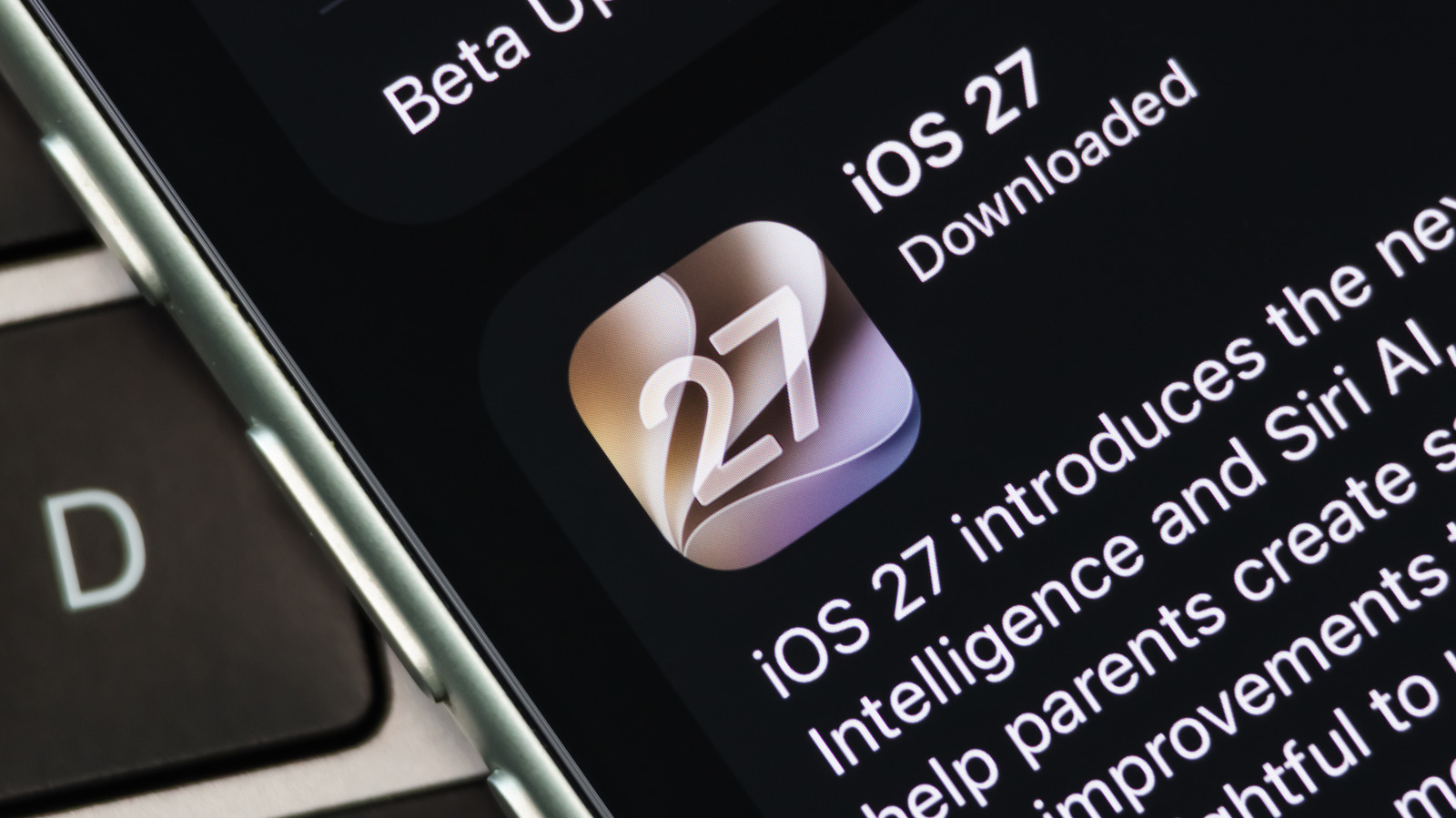
Siri AI is the headline feature of iOS 27, but you can't use it right away.
Cheng Xin/Getty Images
After months of testing, Apple's iOS 27 and other updates are now available to the general public. On iPhone and iPad, the latest updates bring a litany of performance improvements, such as faster app launching and AirDrop transfers, but the headlining feature is undeniably the new Siri AI.
Siri AI is a comprehensive overhaul of Apple's virtual assistant that's capable of conversational input, similar to modern chatbots like ChatGPT and Gemini. In fact, the new Siri shares many of Gemini's underpinnings as Apple partnered with Google to build its own semi-custom AI models. Apple has gone a few steps further to integrate Siri into the OS, giving it access to your emails, messages and other on-device content.
With Siri AI getting such a drastic overhaul, you might expect it to be available as soon as you update to iOS 27. However, that's not the case — you need to manually enable the feature and join a waitlist for now. Here's how you can do that and why Apple has gated the much-anticipated Siri overhaul behind a waitlist.
How to enable Siri AI and join the waitlist on iOS 27
Siri AI requires iOS 27 or iPadOS 27, so your first order of business is to check for pending software updates to make sure you're on the latest version. Open the Settings app and navigate to General > Software Update to check, then install as needed.
Once that's done, head back into Settings and tap Siri > Try Siri AI (Beta). If you don't see the option, try changing your language to English (United States) within the same Siri menu if it's not already. Be sure you have United Stated selected under Settings > General > Language & Region > Region, as well. Support for French, Spanish, Portuguese, Japanese and Korean is expected to arrive in October 2026.
Even though iOS 27 is available on iPhone models back to the iPhone 11 series, not all of them support the new Siri AI. Just like the general Apple Intelligence cutoff, devices older than the iPhone 15 Pro series (including the non-Pro iPhone 15 models) don't get the new Siri AI. For Siri AI on your iPad, you'll need either the seventh-gen iPad mini (A17 Pro) or an iPad with an M1 processor or later.
You won't be able to sign up for the Siri AI waitlist if your Apple Account region is set to China or a country in the European Union. The European Commission has required Apple to give rival AI companies equal access to the same underlying system data Siri AI has, citing the EU's Digital Markets Act (DMA). However, the iPhone maker pushed back, arguing that opening up access to third parties could pose a threat to user privacy. Apple says that its Private Cloud Compute system used for Siri AI is specifically designed to prevent eavesdropping and data collection.
While the iPhone 15 Pro, iPhone 16 series and newer support Apple Intelligence and Siri AI, you'll need the iPhone 17 Pro or newer for the most advanced features. Specifically, Apple has restricted Siri's Expressive Voices and Advanced Dictation features to these newer models, since they require more powerful hardware.
Why does Siri AI have a waitlist?
Several aspects of Siri AI rely on advanced models. The digital assistant can now access personal context from apps on your device, read on-screen content and pull information from the web. Some Siri AI tasks are handled by the on-device Neural Engine, but more complex tasks rely on the processing power of powerful servers in the cloud.
Millions of iPhone users updating to iOS 27 and enabling Siri AI at once could strain Apple's cloud infrastructure before it has a chance to ramp up. Limiting access through a waitlist allows the company to balance demand against available computational load and prevent slowdowns for those who already have access. If the new Siri were enabled by default for everyone, resources would be wasted by people who didn't care to upgrade anyway.
As for how long you'll have to wait, there's good news. Some folks have reported gaining access to Siri AI within a day of joining the waitlist, although others have had to wait longer. Your iPhone or iPad may also say it's "Optimizing Search and Siri" while you wait, which means it's building the personal context database for Siri AI to draw from later on. This process runs in the background when your device is charging, and works most efficiently while your phone is locked and on Wi-Fi.
During the iPhone 18 Pro keynote, Apple said it will offer expanded AI usage limits with paid iCloud+ plans in the future, although it didn't provide any further details. For now, the company says to expect daily usage limits depending on server load, request complexity and other factors.
KioskNews shows a cleaned-up reading view extracted from the publisher’s page — the original always lives on their site, not ours.