6 things to know before you buy the iPhone Duo
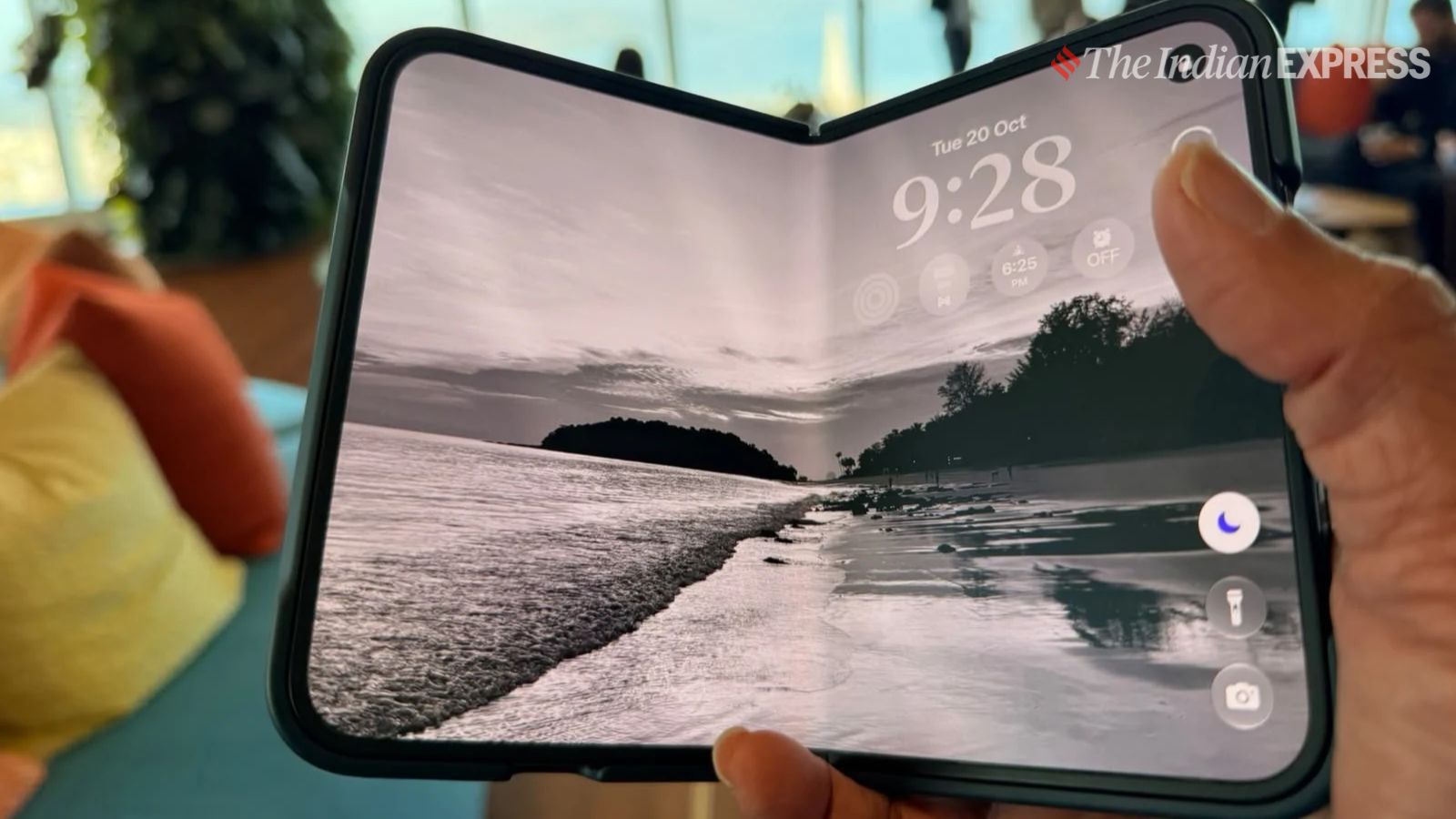
This is not an iPhone Duo review. But if you are planning to buy one, this might be a good starting point for the iPhone Duo is a very different experience for iPhone users, for that matter even those who have used foldables before. You will need to work your way around this device for the first few days before you really get into the drivers seat. Here are six reasons why I am saying this.
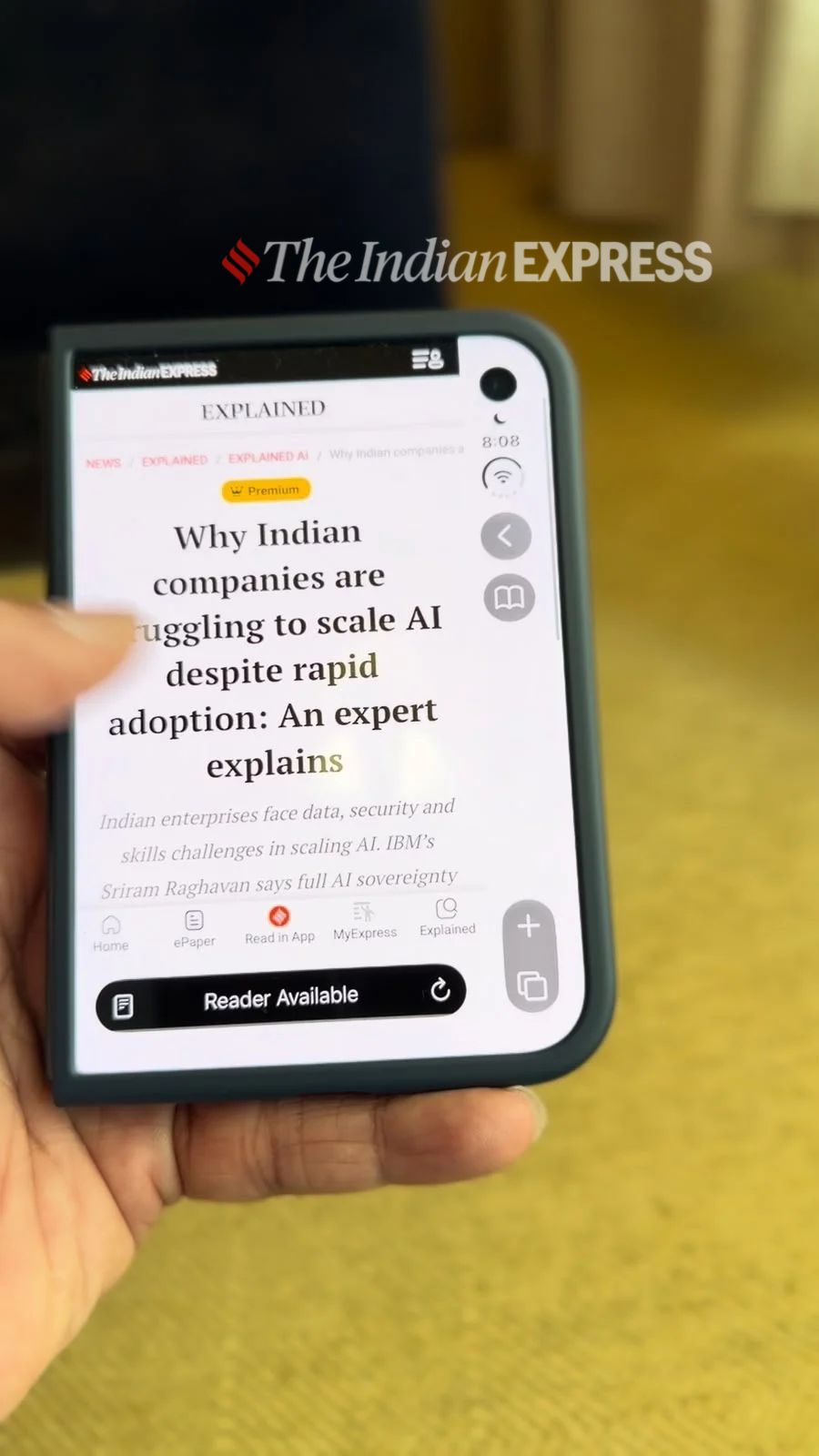 The iPhone Duo’s outer display features a persistent sidebar for frequently used apps. (Image: Nandagopal Rajan/The Indian Express)
There’s no familiar iPhone dock at the bottom. Instead, a sidebar stays on screen and holds the apps you use most, like Phone and Messages. It’s a clever idea, because your thumb can always reach them. But the sidebar uses space too, and I found the front screen a little cramped because of it especially while opening a website on the front screen. The only exception is when playing video, that hides the bar.
2. You will unfold it more often than you expect
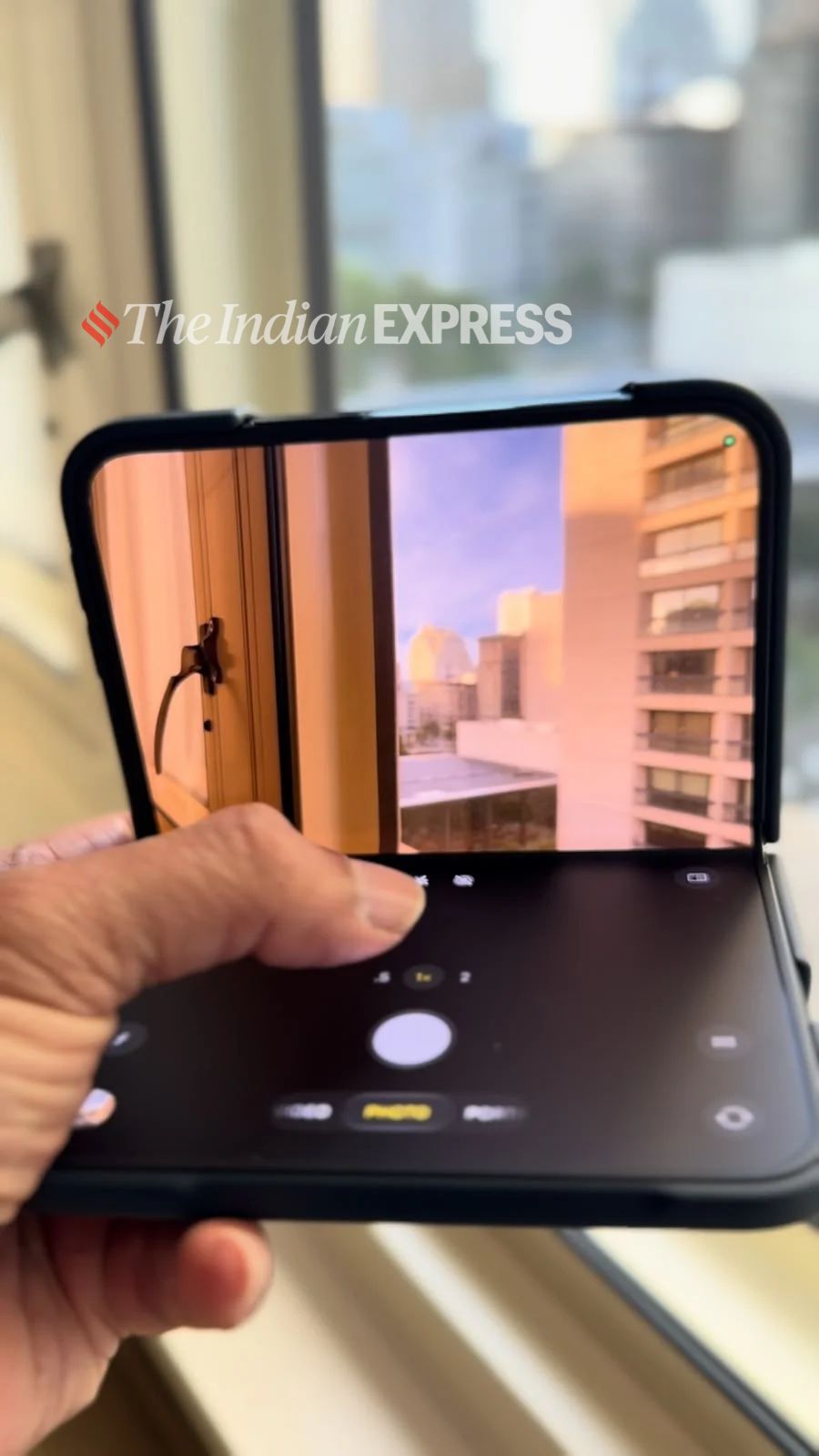 The iPhone Duo’s inner display offers a larger canvas for everyday tasks, making users more likely to unfold the device throughout the day. (Image: Nandagopal Rajan/The Indian Express)
As the outer screens on Android foldables kept getting better, users had to unfold the screen much less to use the phones. On the Duo, I kept reaching for the larger display instead as the front screen has feel crammed with certain stuff you do. Expect to open the phone more than you thought, even for scanning social media feeds.
3. The big screen is where the Duo shines
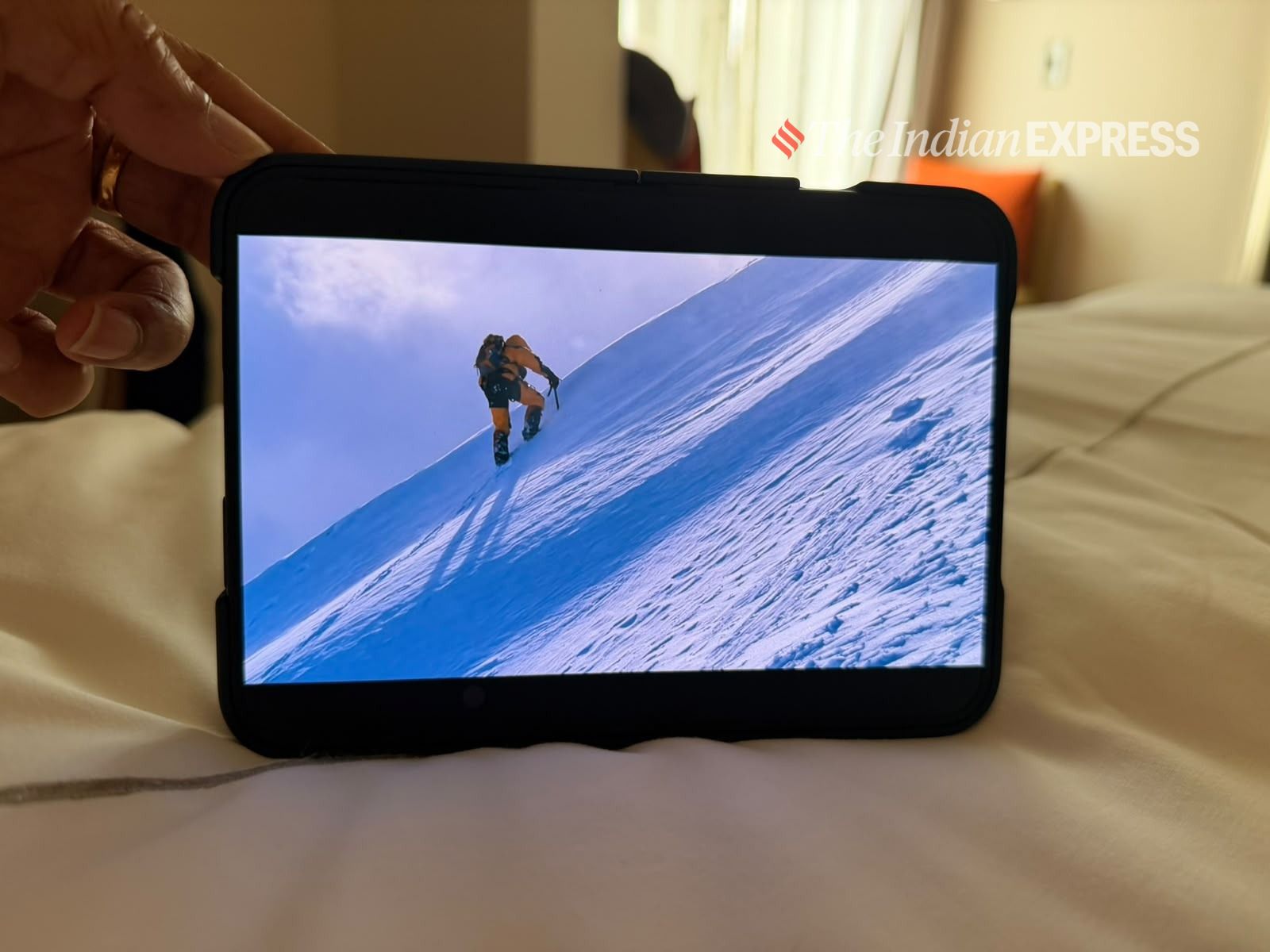 Its larger inner screen is well suited to reading, watching videos. (Image: Nandagopal Rajan/The Indian Express)
Reading, watching and typing are all excellent on the inner display, whether you hold it horizontally or vertically. Using it unfolded for everyday work feels natural. I can see some people using it as their main screen most of the time, the way some people once carried an iPad mini as a phone.
4. Not every app is ready for it
Some apps don’t use the extra space yet. LinkedIn looks like a regular iPhone app sitting inside a much bigger screen, and it’s awkward. Many apps have been optimised to work well on the outer display, but developers still have work to do before both screens are fully used.
5. There’s no Face ID. Register a finger from each hand
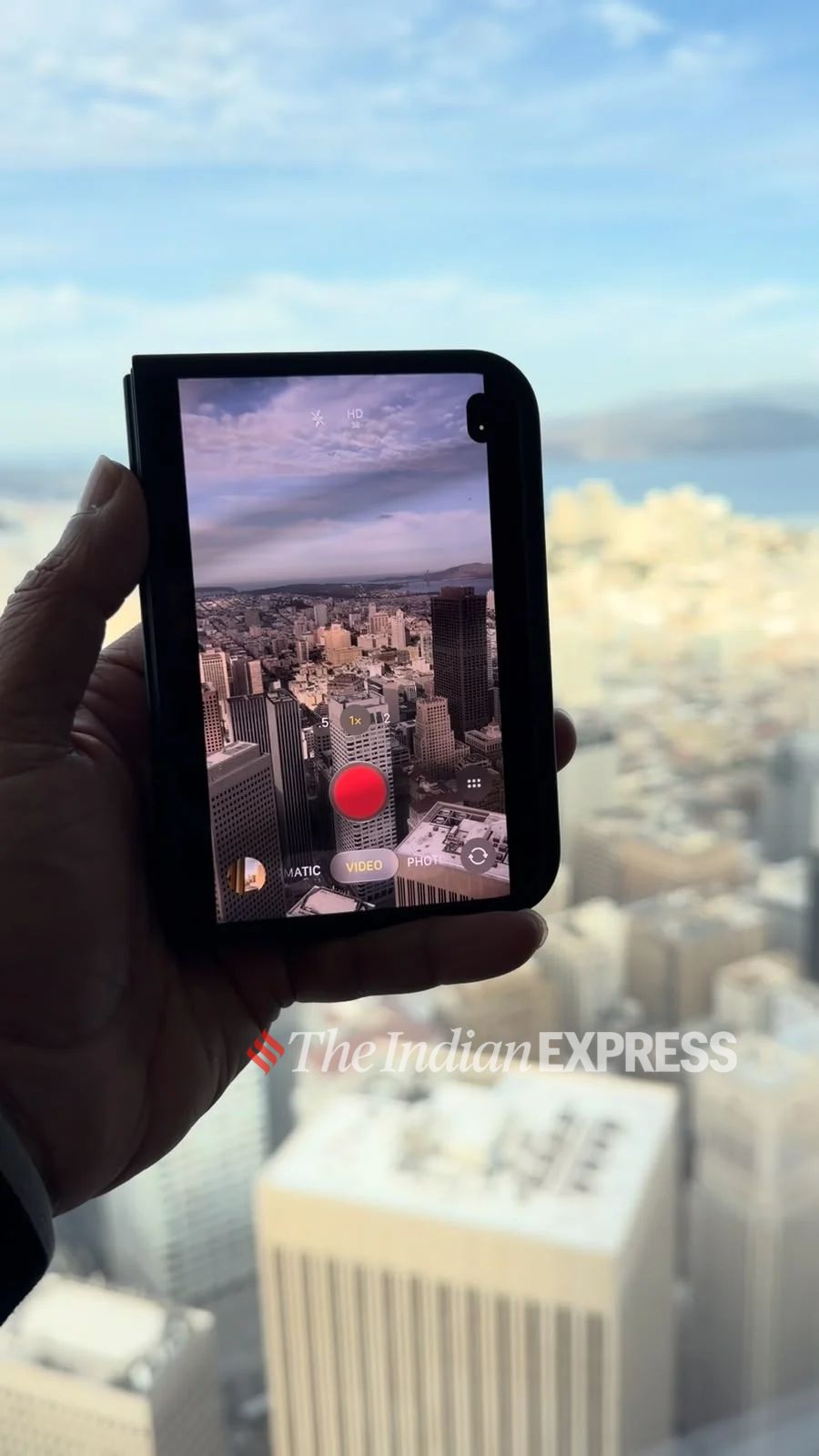 It replaces Face ID with Touch ID built into the side button. (Image: Nandagopal Rajan/The Indian Express)
This one surprised me. If you’ve used iPhones for years, Face ID is just how you unlock your phone. The Duo goes back to Touch ID, built into a button on the side. Depending on how you hold the phone, you might reach for that button with either hand. I registered only one finger and kept finding the phone in my other hand, which led to some awkward moments. Register a finger from each hand on day one.
6. The battery is a strong point
This one impressed me. The Duo has a dual-battery design, and in my testing its battery life was close to what I’d expect from the iPhone 18 Pro Max. With regular use, it lasted well over a day.
Story continues below this ad
The bottom line
The iPhone Duo is a different way of using an iPhone. Whether it suits you depends on how much you value that larger screen. If the big display is what you’re paying for, the compromises on the front screen and in some apps are easier to live with. Come back for our detailed review soon.
KioskNews shows a cleaned-up reading view extracted from the publisher’s page — the original always lives on their site, not ours.