Apple's latest watchOS 27 beta enables Siri Recap and Live Rewind audio features
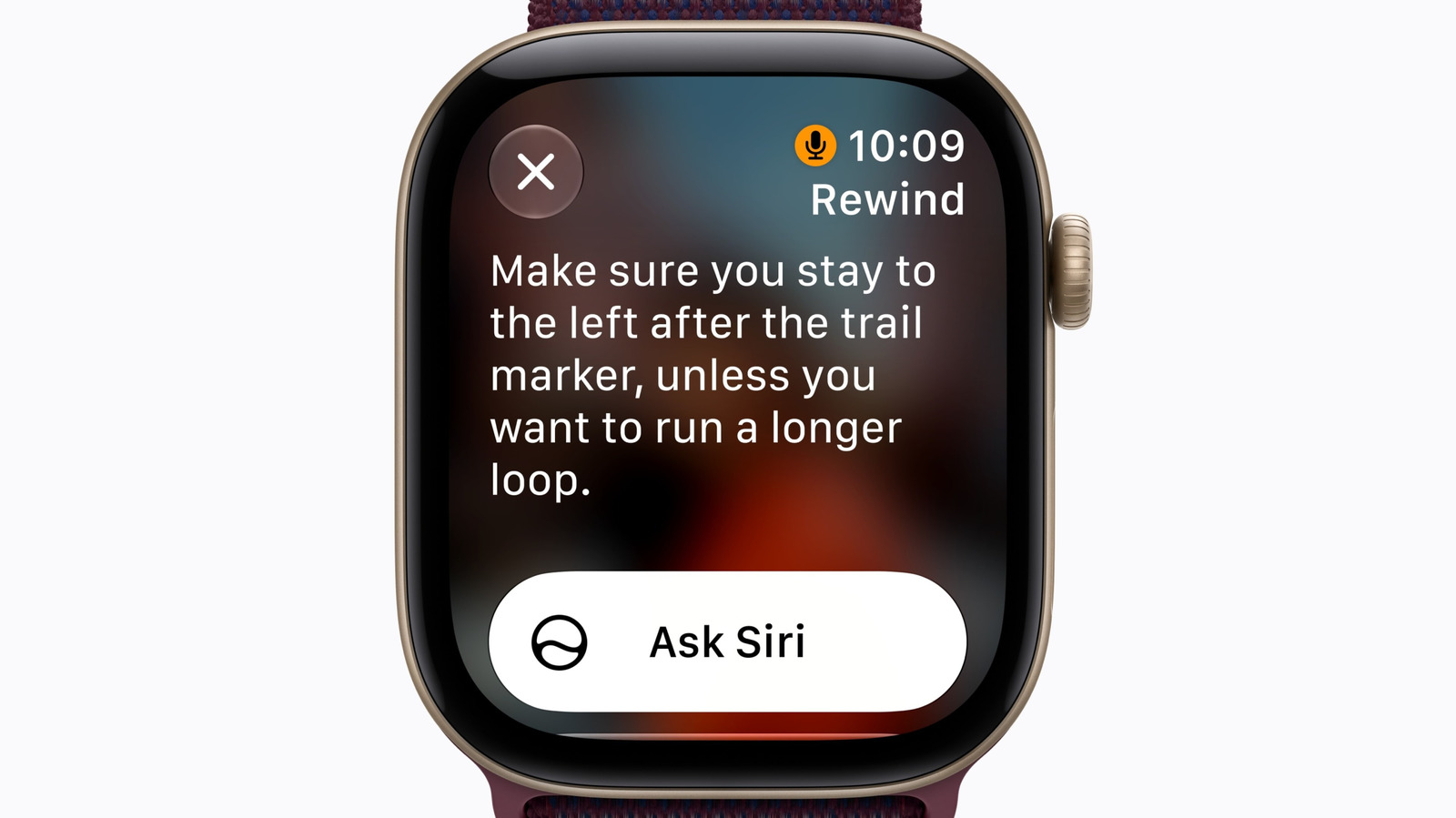
Two of the most intriguing new Apple Watch features are here for testing.
Apple
You can now try out two new Audio Intelligence features for Apple Watch, as long as you have one of the latest Apple wearables and you're up for installing a beta build of watchOS. The watchOS 27.3 beta includes Siri Recap and Live Rewind, which Apple revealed when it unveiled the Apple Watch Series 12 and Apple Watch Ultra 4 back in September.
If you enable Siri Recap, you can access high-level summaries of conversations. Apple Intelligence will generate a title and key points for the conversation. The company said you can access these from the Siri app if and when you need to jog your memory.
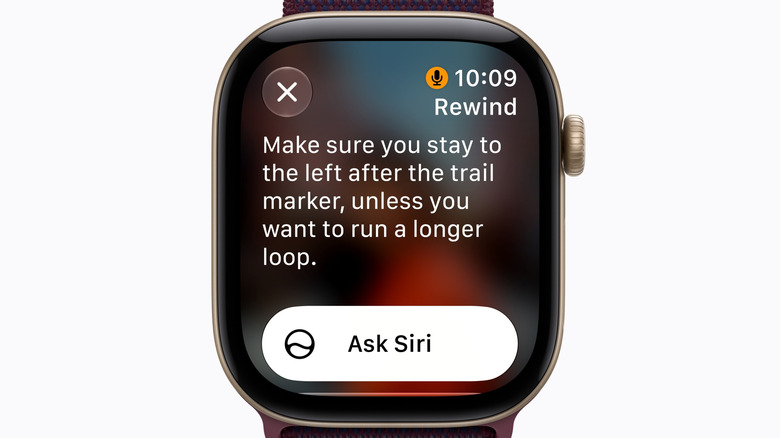
As for Live Recap, it can convert the last 15 seconds of a conversation to text if you didn't catch or understand something. You can double-press the Digital Crown to view this snippet, ask Siri about the text or save it to view in the Siri app later. This could come in handy if you're not sure what was said in an airport announcement or a presentation, for instance.
These features are available on Apple Watch Series 12 and Apple Watch Ultra 4. The microphones on those devices can constantly pick up audio from their surroundings. There are inevitably going to be privacy concerns around an always-on microphone, which supports other Audio Intelligence features like sound recognition for things like alarms and a crying infant, and faster Shazam song detection.
Apple said these features don't record or store audio. The S11 chip that powers these Apple Watch models can process audio in isolation from the rest of the device, then delete it right away. The company claimed that its operating systems can't access the raw audio, and nor can apps, users or Apple itself.
Users can opt out of each of these features, some of which have to be manually enabled. Audio Intelligence doesn't identify or attribute speakers in conversation, Apple says. The company added that, even if an Apple Watch is set to silent, Live Rewind plays a chime when it's in use and the display shows an animation and microphone indicator. As for Siri Recap, Apple says the summaries won't show sensitive info, such as financial details.
It's worth noting that, along with an Apple Watch Series 12 or Apple Watch Ultra 4, you'll need a compatible iPhone with Apple Intelligence enabled to use Audio Intelligence (i.e., an iPhone 16 or later but not iPhone 16e). Siri Recap and Live Rewind will initially be available only in English and not in the EU. They're also subject to daily usage limits.
KioskNews shows a cleaned-up reading view extracted from the publisher’s page — the original always lives on their site, not ours.