Android can now securely migrate your logins between password managers
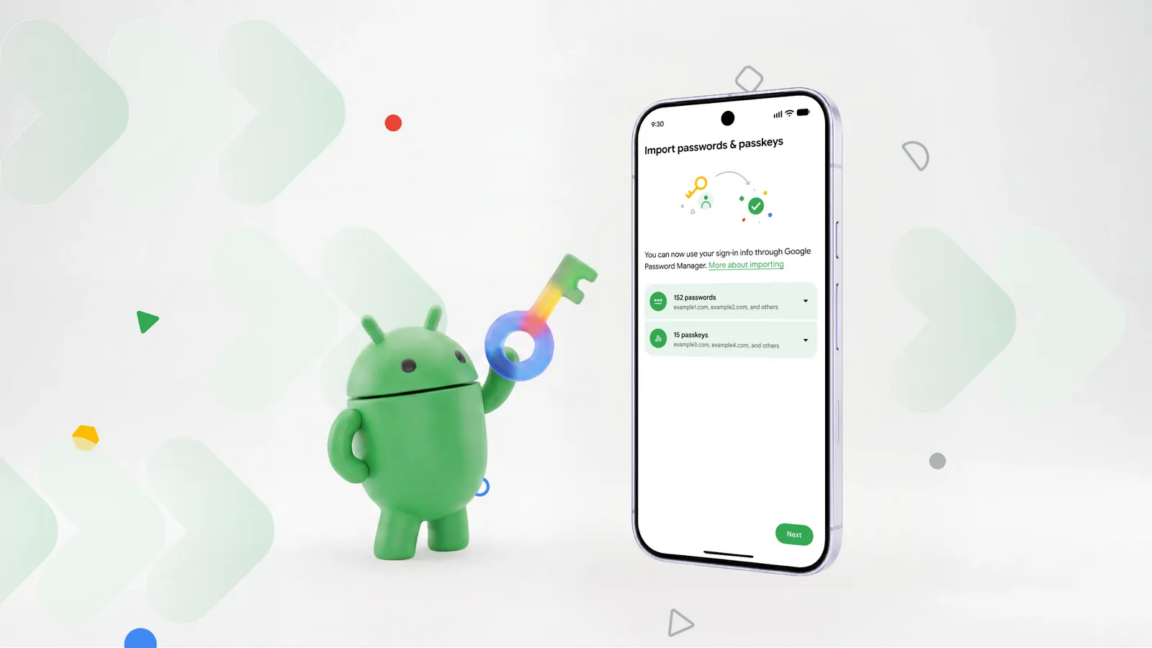
As longer, more complex passwords have become a necessity, remembering all those strings of numbers, letters, and special characters has become nearly impossible. Password managers can solve that problem, but what happens when you want to move to a different login organizer? Sure, you could manually type all your logins into a new app, but now Android can do that for you without the tedium.
Google designed the new login transfer process to happen entirely on your phone, so you need the corresponding apps installed with your credentials synced. To start the move, you’ll have to find the import option in the app you want to use. The location of that feature will vary, but in Google Password Manager (built into Android), it’s near the top under the settings tab.
The import option in Google Password Manager will plug in to the new migration system, while export still just creates an unencrypted CSV with your passwords that can be dumped into any app. It will be similar in other apps, so make sure to start the process in the app you want to use. Currently, this works in Google’s app, 1Password, Bitwarden, and Dashlane.
KioskNews shows a cleaned-up reading view extracted from the publisher’s page — the original always lives on their site, not ours.